How to Withdraw from PHGAME77 (Fast & Secure)
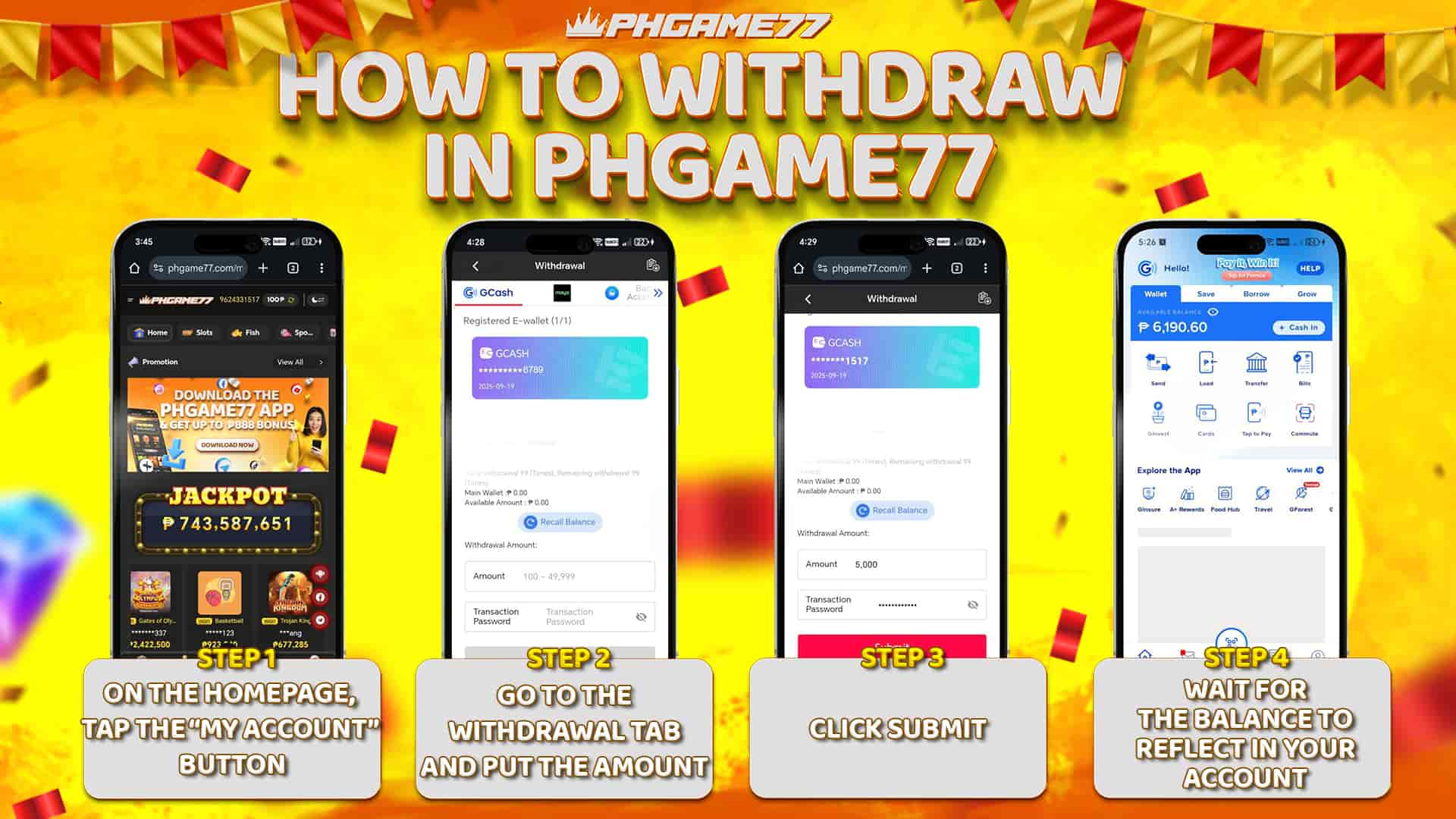
With PHGAME77, cashing out is straightforward. For your security, make sure your account details are correct and your e-wallet/bank is bound.
Withdrawal Steps
- Log in and go to Wallet > Withdraw.
- Select payout method (your bound e-wallet or bank).
- Enter the withdrawal amount and confirm.
- Complete any security verification if prompted.
- Wait for processing confirmation (you’ll see status in Wallet > History).
Tips for Faster Cashouts
- Bind your e-wallet/bank first (see guide below).
- Ensure account name matches your payout account.
- Withdraw during banking hours for the quickest turnaround.
- Contact Support for assistance.